Regular plans
Built for live DJs, hosts, and performers.
Compare listener limits, bitrate options, rental lengths, and available checkout choices on the full stream plans page.
Second Life stream rentals
Keep your sets live, your venue moving, and your audience connected with stream rentals built for Second Life nightlife.
Powered by CentovaCast
Shock Streams uses CentovaCast so DJs and venue owners get a proven place to view stream status, connection details, listener activity, and AutoDJ tools on supported plans.
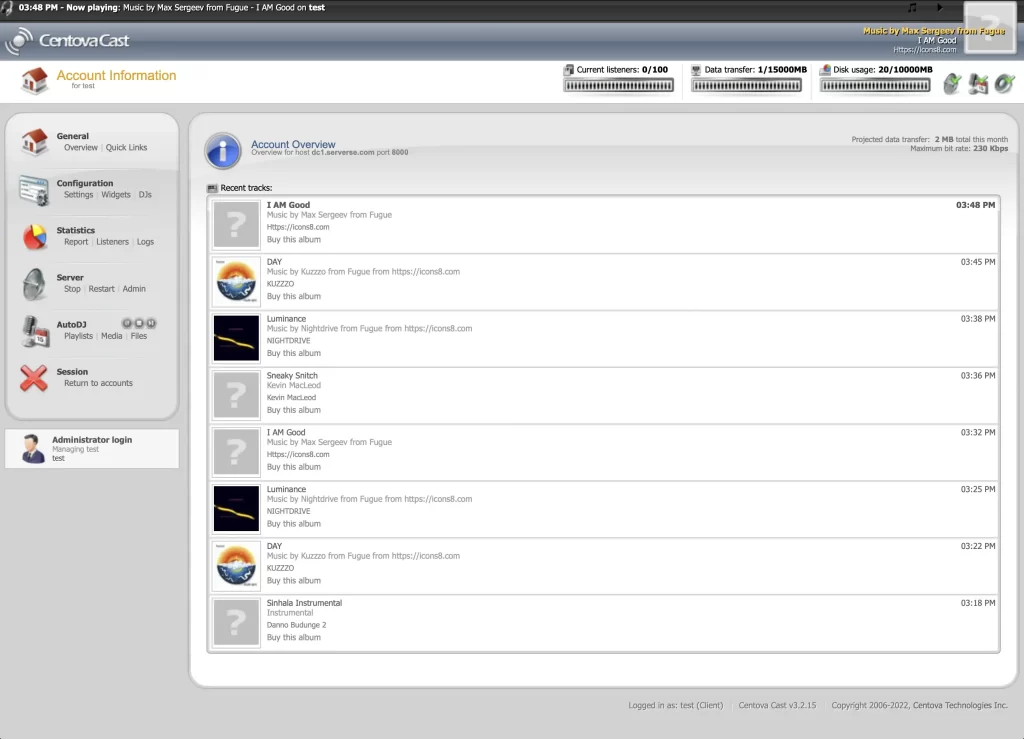
Stream status, usage, and account details at a glance.
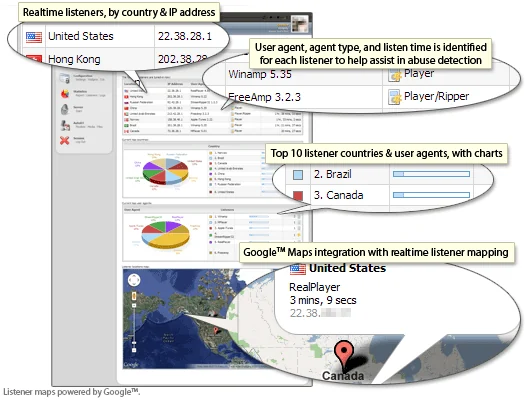
Listener activity and reporting tools for tracking your audience.
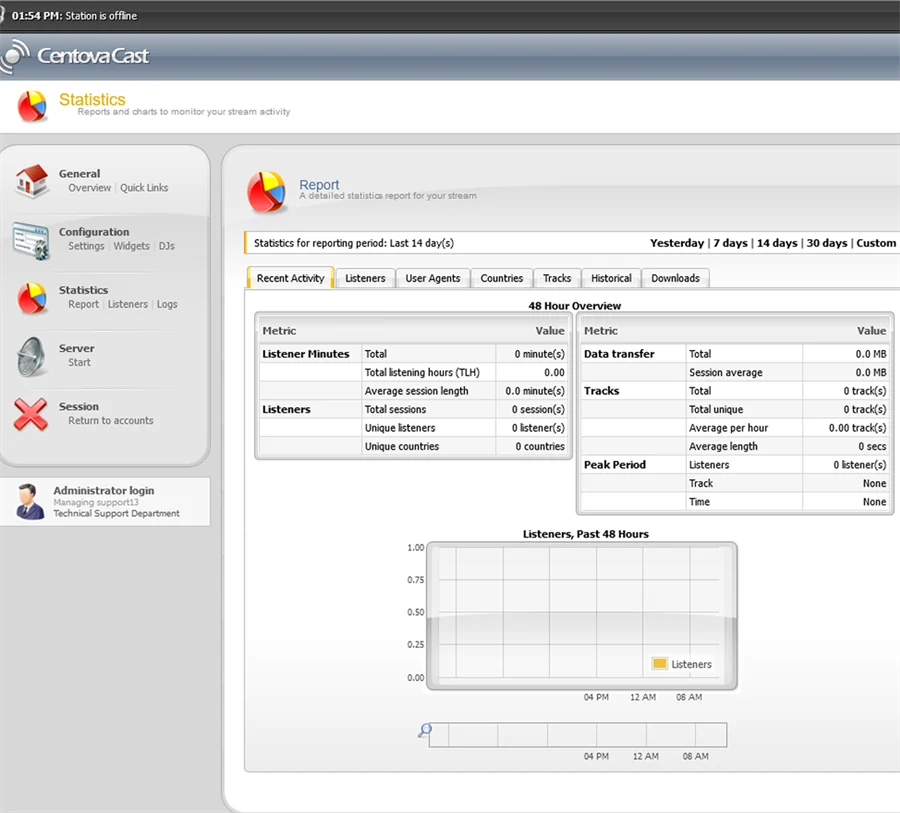
Reports and charts help you understand stream activity over time.
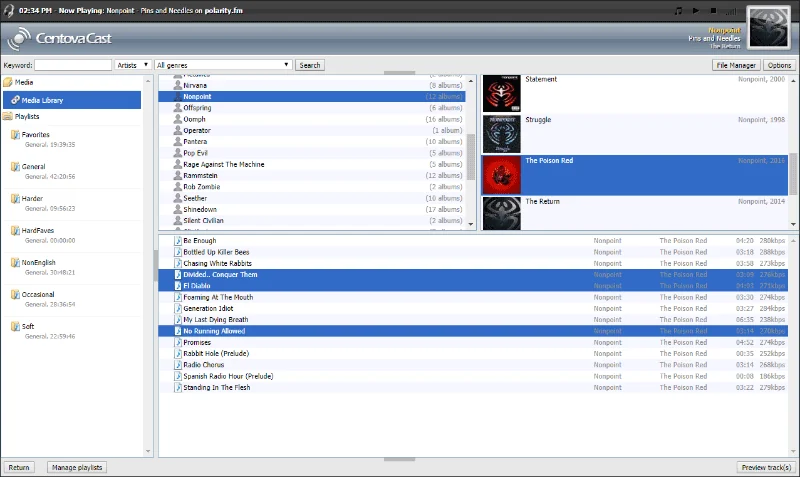
AutoDJ media organization for supported stream plans.
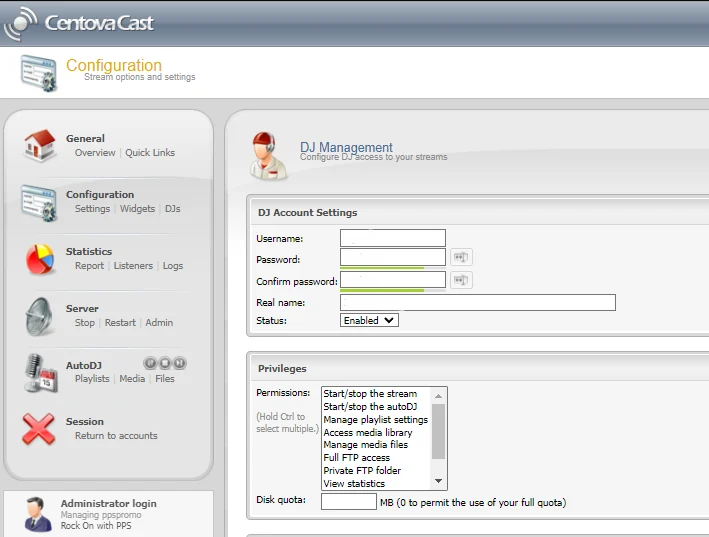
Access controls for managing DJs and stream permissions.
Stream options
Whether it is a packed dance floor, a live set, or a weekend festival, Shock Streams helps keep the music moving across Second Life.
Regular plans
Compare listener limits, bitrate options, rental lengths, and available checkout choices on the full stream plans page.
AutoDJ plans
AutoDJ-ready plans are built for venues, lounges, and events that need continuous music before, between, or after live DJs.
How it works
Pick the stream that fits your night, pay in L$, and receive your details by private message.
Touch a Shock Streams terminal in Second Life.
Start a new rental, renew an existing stream, or request your stream info.
The terminal shows the exact amount before you pay.
Your stream details or renewal confirmation arrive by private IM.
Support
Visit the main store or contact Shock Streams support. Include your Second Life legacy name and Service ID if you have one.